- October 16, 2019
- Posted by: SouTech Team
- Category: Blog, Blogging, CEH, Cyber-security and Ethical Hacking Training, Softwares
Lab 4-2:
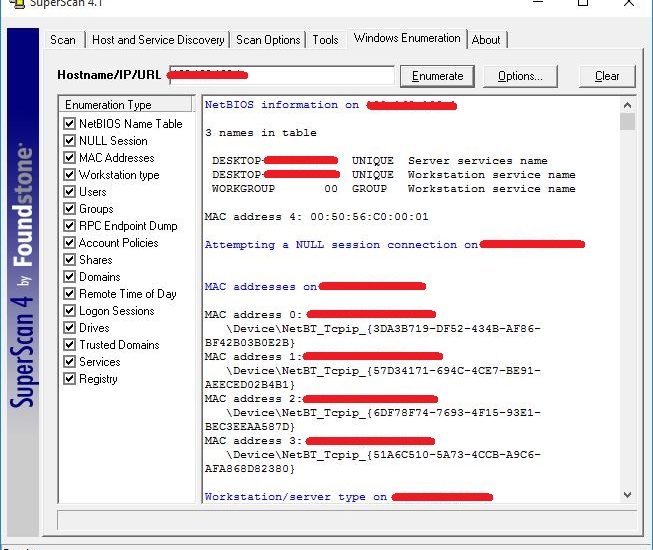
Download the Superscan tool. Open the software, Go to Windows Enumeration Tab.
Enter the Host name or IP address of target windows machine.
Go to the Options to customize the enumeration. Select the enumeration type from the left section.
After Configuring, Click the Enumerate button to start Enumeration.
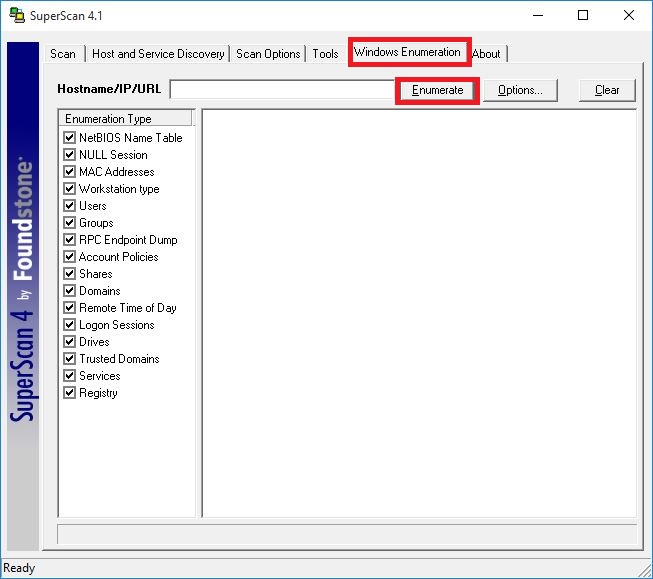 Super Scan Enumeration Tool.
After starting the enumeration, it will gather information about the target machine such as Mac address, operating system and other information depending on the type of enumeration you selected.
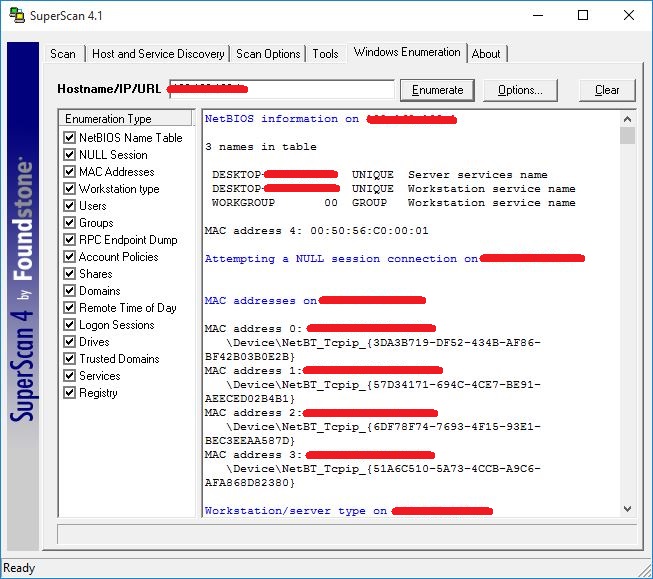 windows enumeration.
Displaying the target user information.
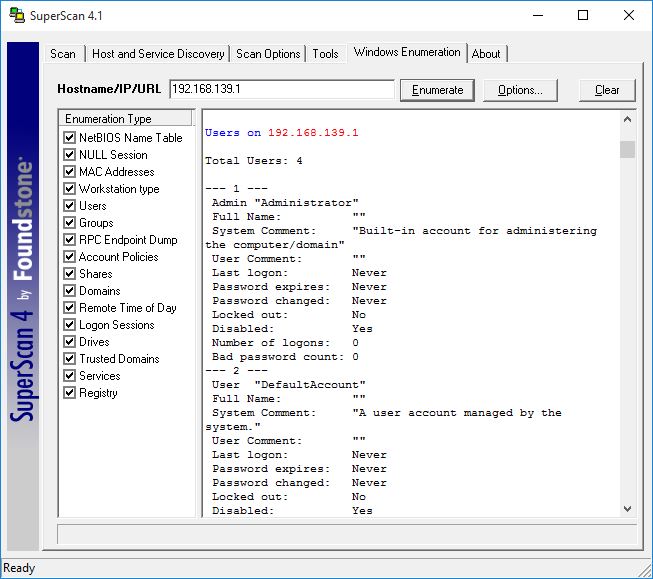 windows enumeration.
This is Displaying the Groups on the target system.
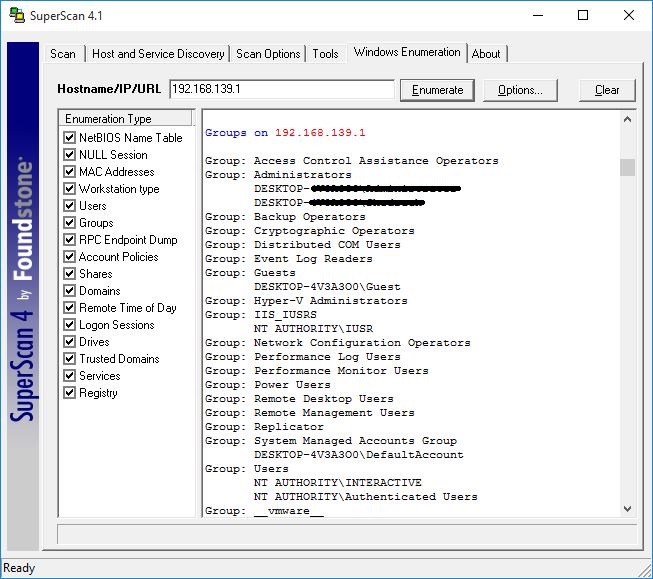
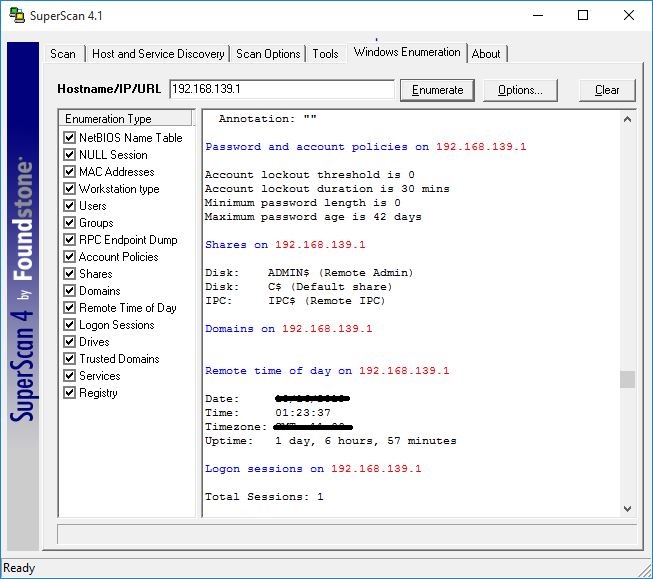
This result shows password and account policies information, shares information, remote login information, etc.
Some other Useful tools are:
- NetBIOS Enumerator
- Hyena
- Winfingerprint

Related posts: